OFX PLUGIN — DAVINCI RESOLVE STUDIO
MAGIC MATCH
Multi-camera color matching, done at the node level. Close the gap between different sensors without leaving the Color page.
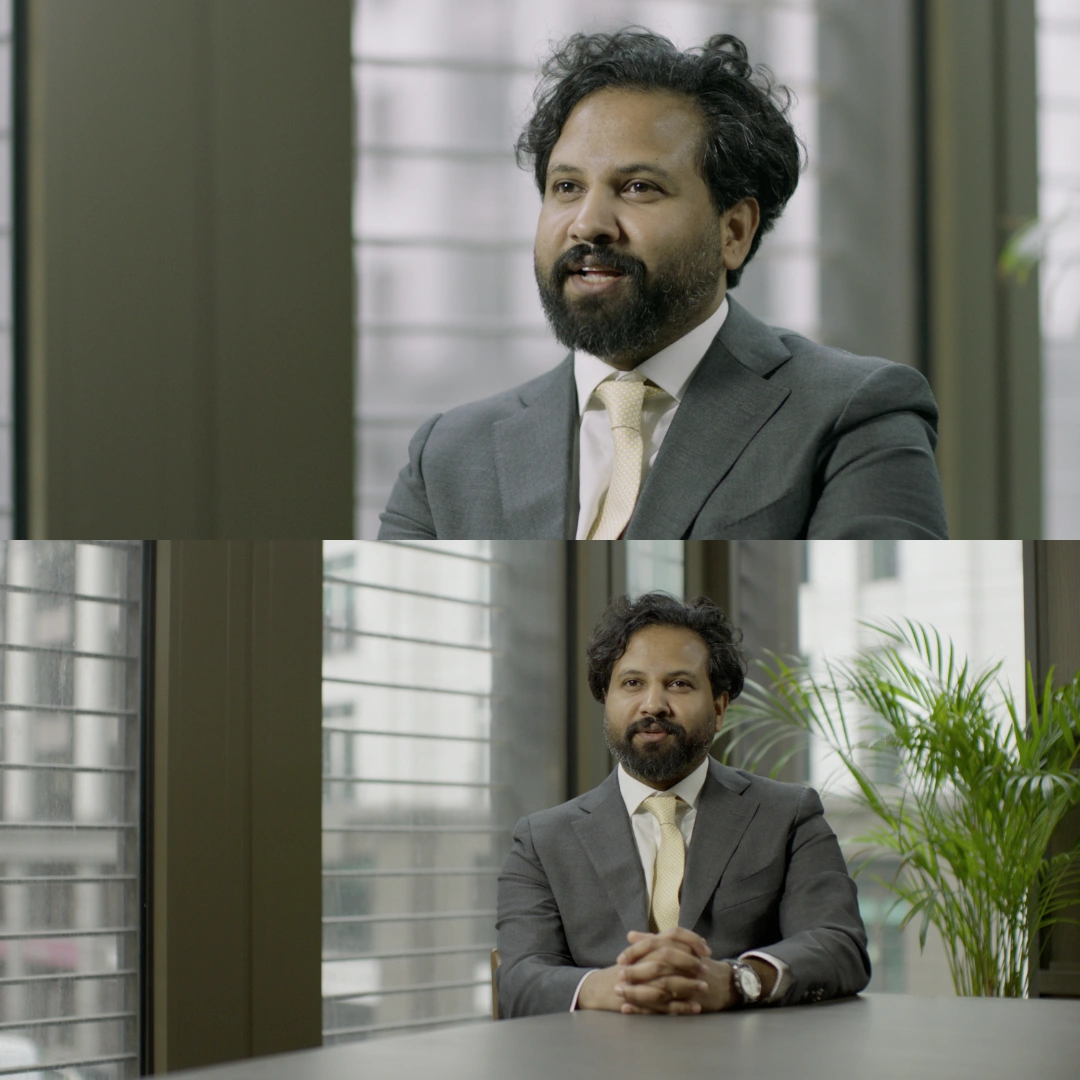
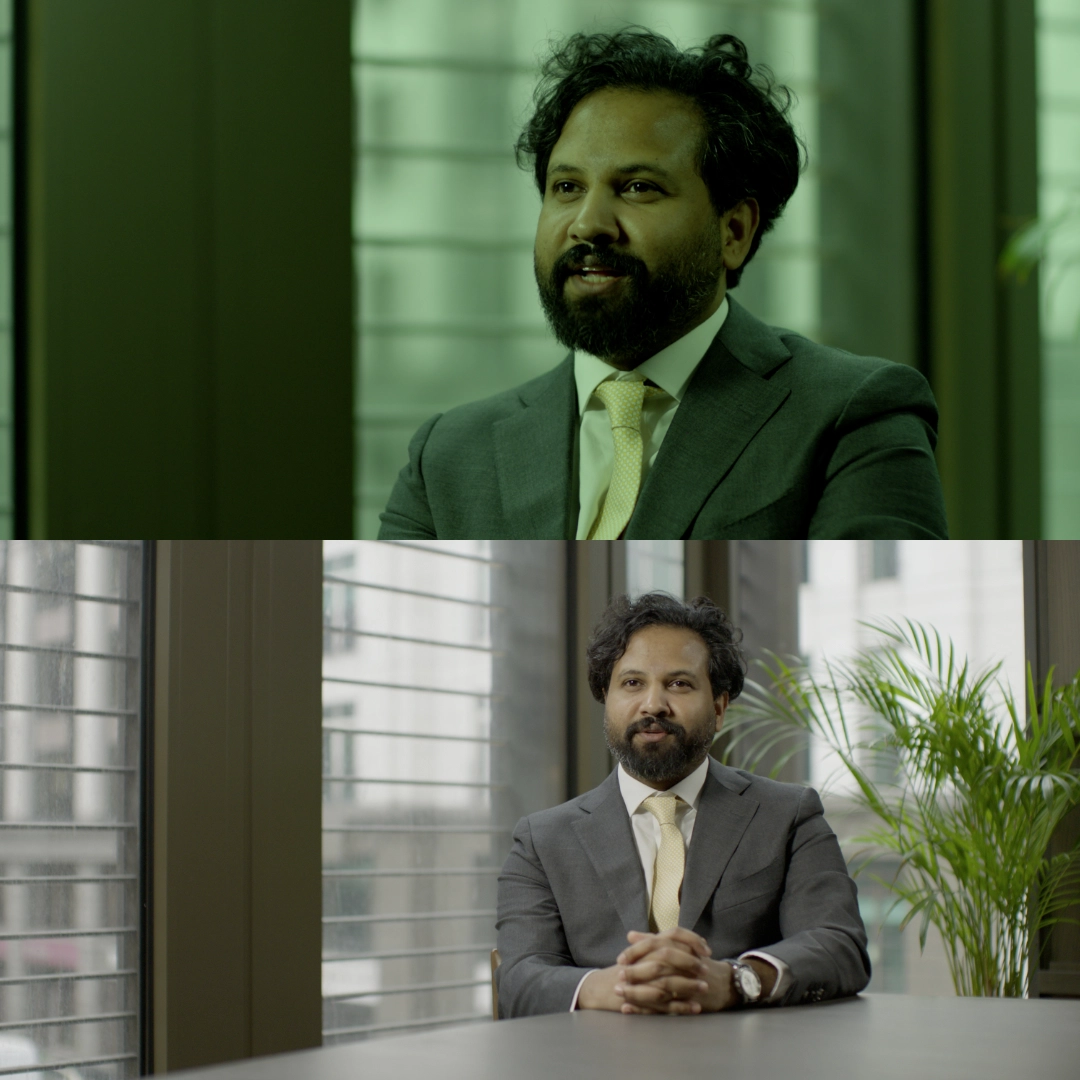
Multi-camera color matching, done at the node level. Close the gap between different sensors without leaving the Color page.
On multi-camera productions, different sensors render color differently — even when white-balanced to the same target. Magic Match analyzes the color characteristics of a reference shot and maps them onto a target clip, closing the gap parametrically without relying on static LUTs.
Unlike LUT-based matching, Magic Match operates on the actual image data in real time. The analysis is per-shot and non-destructive — it lives as an OFX node in your tree, fully keyframeable and adjustable after the fact.
Place Magic Match before your primary corrections, after input transforms. Set your reference frame from the A-camera, apply to B-camera clips. Grade once, export consistently — regardless of how many cameras were on set.
Developed across real documentary and commercial productions, switching between ARRI, Sony and Blackmagic sensors. If something looked wrong on a monitor on set, it got fixed before shipping.
A-cam and B-cam never match out of the box. Magic Match normalizes both to a reference frame in seconds, so you can grade the interview as a single unified look.
When the budget forces B-roll from a different body, the color science gap is immediately visible. Match everything to your primary camera before a single grade node is touched.
Concert, sport, corporate event — multiple cameras, no time for deep grading. Magic Match handles the normalization layer so you can focus on the creative grade.
Drop the .ofx bundle into DaVinci Resolve's OFX plugin directory. Restart Resolve. Magic Match appears under Effects → STRAND_LABS.
Apply the node to your A-camera clip. Navigate to a representative frame — balanced skin tones, neutral midtones — and click Analyze Reference.
Paste the node to your B-camera clips. The plugin reads the stored analysis and maps it automatically. Fine-tune with the Intensity slider if needed.
With both cameras normalized, apply your creative grade globally. Cuts between cameras are now invisible at the color level.
| FORMAT | OFX Plugin (.ofx bundle) |
| PLATFORM |
|
| GPU API |
|
| RESOLVE VERSION | DaVinci Resolve Studio 19+ |
| FREE VERSION | Not supported — Studio only |
| COLOR SCIENCE |
|
| ANALYSIS METHOD | Per-frame parametric color mapping, ASC CDL |
| NODE POSITION | Before DRT, works better in scene-referred workflow |
| KEYFRAMEABLE | Yes — all parameters |
| DELIVERABLE | .ofx bundle + PDF installation guide |